
Office Chair Butt guide
How often should you get up and move at a desk?
A practical answer for busy workdays: what the guidance actually says, why no timer fits everyone, and ways to break up long stretches of sitting.
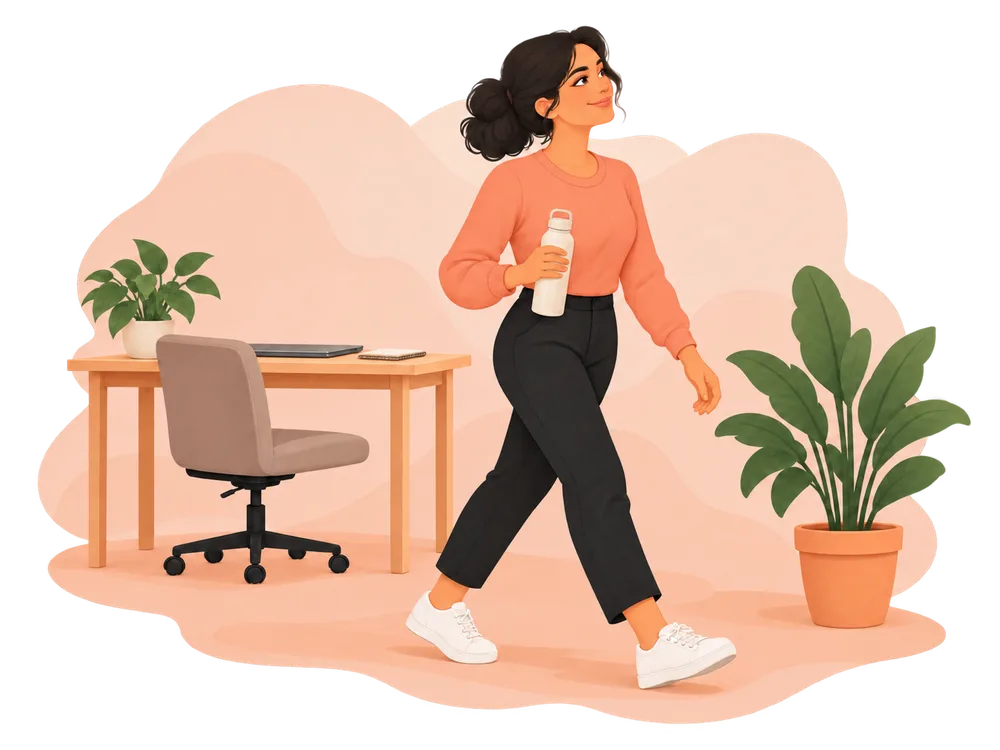
The short answer
Try to interrupt long, unbroken periods of sitting and computer work regularly. A useful starting point is to look for a chance to change position or move within each hour, then adjust to your tasks and circumstances. CCOHS suggests a 5–10 minute break for each hour at a workstation, ideally with standing or walking when possible. OSHA describes a five-minute break from computer tasks every hour. These are workplace guidance examples, not a proven universal minimum or a reason to stay still until a timer rings.
On this page
How long should you sit before standing?
There is no single interval established for everyone. The World Health Organization (WHO) advises adults to limit sedentary time and replace some of it with physical activity of any intensity, including light activity. Its public-health guidance does not prescribe a desk-break timer. More time spent sedentary is associated with poorer health outcomes; a short walk is a practical way to replace some sitting time, but one break cannot erase every effect of a sedentary day.
Workstation guidance offers more concrete examples. Alongside its hourly suggestion, CCOHS says sit–stand schedules vary: examples range from sitting an hour then standing five minutes to changing position after 20, 30, 45, or 60 minutes. It emphasizes alternating positions as needed. OSHA encourages task variation and short recovery pauses during prolonged static or repetitive computer work. The UK Health and Safety Executive says the demands and mix of work determine appropriate screen breaks, so one requirement does not fit all jobs.
Why break up a long stretch at all? Computer tasks can keep the same muscles working in a static posture and leave little natural movement. OSHA notes that prolonged static postures can fatigue muscles; changing tasks and moving create opportunities for recovery. Evidence about the best frequency, duration, and type of break is still developing. Treat any “every 30 minutes” rule as one possible cue, not a clinical threshold.
What counts as a movement break?
These actions offer different kinds of variety; you can combine them when it makes sense:
- Change position: Adjust how you sit or switch tasks. This can interrupt a fixed posture, even if you remain seated.
- Stand: Get out of the chair or use a sit–stand desk. Standing changes posture, but standing still for a long time is not the goal.
- Walk: Take a few steps to a printer, water station, or another room. Walking adds light physical activity and time away from the workstation.
- Move actively: Choose a comfortable movement that uses more of your body. For step-by-step options, see Desk Exercises; for gentler mobility, see Desk Stretches.
A change of posture may help with static-work fatigue, but it is not the same as replacing sitting time with physical activity. If you can walk briefly, that more directly reflects WHO’s advice to replace some sedentary time with movement. You do not need to turn every pause into a workout.
How can you move during a busy workday?
Use transitions already in the day. These are practical examples, not tested break prescriptions:
- Between computer tasks: When you finish a document or send a message, stand, look away from the screen, and walk a short distance before starting the next task.
- In meetings: If the meeting format allows, stand for part of an audio call or suggest a brief pause between back-to-back calls. A walking call can work when you do not need to read a screen or take detailed notes.
- With limited space: Stand beside the desk, change position, or take a few steps in a clear area. If you cannot leave your chair, vary the task or posture until a fuller break is possible.
If you want someone to guide a short pause, the free Guided Desk Movement Break offers timed seated and standing options. It is optional; ordinary trips away from the desk count as useful opportunities too.
How do you choose a reminder rhythm?
Start with the natural breaks in your work and notice when long, uninterrupted stretches happen. If you routinely lose track of time, try a gentle cue around the end of a work block or within the hour. Move sooner if you want to; delay or adapt the cue when a meeting, accessibility need, or task makes it impractical. You may need a different rhythm on different days.
A calendar prompt is enough. If you prefer a dedicated reminder, see the iOS app or Chrome extension pages for their current availability and features. The reminder is a prompt to notice your options, not a measure of whether you have moved “correctly.”
If pain, dizziness, or a condition affects what movement is suitable, seek individual advice from a qualified health professional. Take breaks in ways that fit your work and any accommodations you use.
Sources and further reading
Public-health guidance and occupational ergonomics recommendations above are identified as such; the workday examples are practical suggestions.
- World Health Organization, Guidelines on physical activity and sedentary behaviour (2020)
- Canadian Centre for Occupational Health and Safety, Office Ergonomics: Stretching at the Workstation
- CCOHS, Office Ergonomics: Sit/Stand Desk
- Occupational Safety and Health Administration, Computer Workstations: Work Process and Recognition
- UK Health and Safety Executive, Should VDU users be given breaks?
This guide offers general information, not personal medical advice. Read the Wellness Disclaimer.